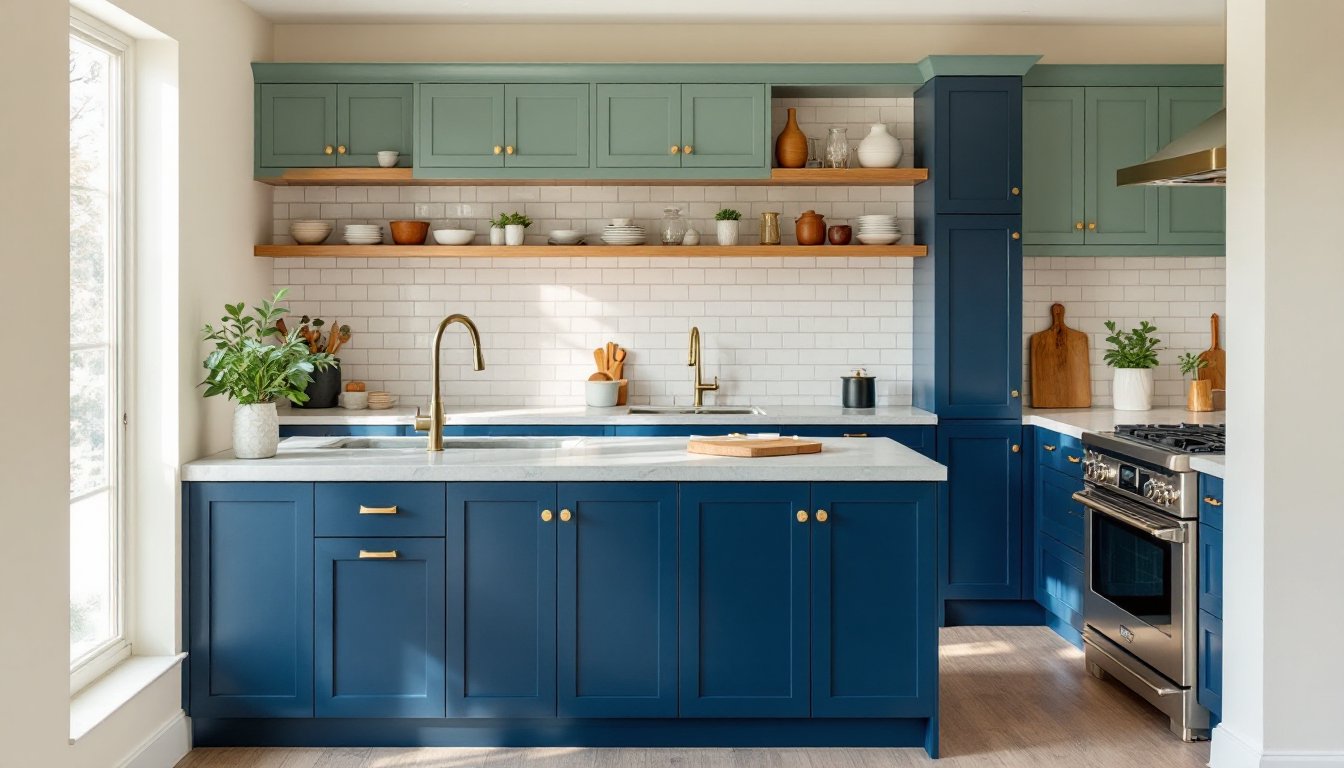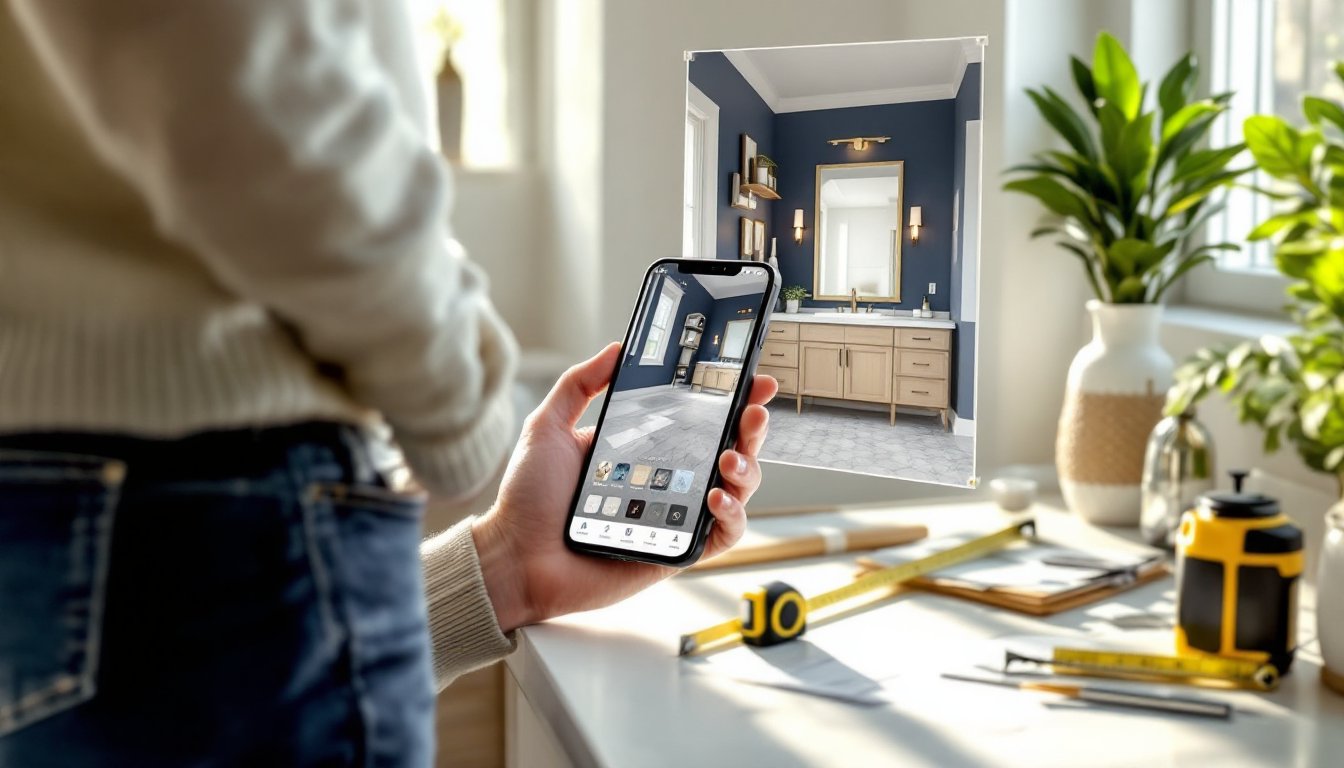

Planning a kitchen remodel used to mean hiring a professional designer or sketching rough ideas on graph paper. Today, homeowners can design a kitchen online for free using sophisticated digital tools right from their browser. These platforms let you experiment with layouts, visualize cabinet styles, and test color schemes before spending a dime on materials or labor. Whether you’re completely gutting the space or just updating a few elements, free online kitchen design tools have fundamentally changed how DIY enthusiasts approach their projects. They eliminate guesswork, save time, and give you concrete plans to show contractors or execute yourself.
Table of Contents
ToggleKey Takeaways
- Design kitchen online free using browser-based tools like Planner 5D and RoomSketcher to visualize layouts, test color schemes, and export floor plans before hiring contractors or purchasing materials.
- Accurate measurements are critical to successful kitchen design—measure your kitchen twice at multiple heights and note the exact location of utilities, windows, and doors to avoid costly installation mistakes.
- Free online kitchen design tools eliminate guesswork by handling spatial calculations, showing material proportions accurately, and allowing you to test multiple layouts in minutes without erasing or redrawing.
- Verify your design by applying the work triangle principle (sink, range, and refrigerator forming a triangle with no leg longer than 9 feet) and ensuring adequate counter space and clearances for appliance doors.
- Avoid finalizing your design after one planning session—live with your draft for several days, compare rendered colors and cabinet styles against real samples in your kitchen’s lighting, and gather feedback before committing to changes.
- Common pitfalls include underestimating prep surface needs, overlooking electrical outlet placement, ignoring ventilation clearances above range hoods, and treating software cost estimates as accurate quotes rather than rough ballpark figures.
Why Free Online Kitchen Design Tools Are Game-Changers For Homeowners
A decade ago, kitchen planning meant either hiring a designer at $3,000–$5,000 or working blind with vague Pinterest boards. Free online tools have democratized the process. You can now test your vision in 3D, catch layout problems before they become expensive mistakes, and share your designs with family, contractors, or friends for feedback.
These platforms handle the heavy lifting: they calculate square footage, show material proportions accurately, and let you swap components instantly. If you’re worried about measurements or how that island will actually fit, the software does the spatial math for you. This confidence alone is worth the cost of entry (which is nothing).
Another huge advantage is iteration. In five minutes, you can compare three completely different kitchen layouts. Try an L-shaped arrangement, then an island configuration, then a galley setup, all without erasing and redrawing. This visual exploration often surfaces ideas you wouldn’t have considered on paper. And when you’re serious about moving forward, most tools export floor plans, material lists, and 3D images you can hand directly to contractors or use as a shopping list.
Top Free Kitchen Design Platforms To Use Right Now
The best free kitchen design software varies depending on your comfort level with technology and how detailed you want to get. Some tools are cloud-based and require no downloads: others are installed applications that offer more offline control. Here’s a breakdown of reliable options:
Browser-Based Tools For Quick Visualizations
Planner 5D and Roomsketcher are the go-to browser tools for most homeowners. Both let you draw walls, place cabinets, and add appliances using drag-and-drop simplicity. You get 2D floor plans and 3D renderings, and the free tiers are genuinely functional, not stripped-down teases. These tools work on any device with a web browser, so you can edit your design on your phone at the lumber yard.
Houzz’s free kitchen planning tool is another solid option, especially if you want inspiration alongside your planning. The platform integrates a massive photo library, so you can pin real kitchen images and use them as reference alongside your own design. This matters if you’re deciding between open shelving and closed cabinets, seeing real examples while you draft keeps decisions grounded.
Feature-Rich Apps And Software Options
SketchUp Free is the heavy hitter for serious DIYers. It has a steeper learning curve than drag-and-drop tools, but it’s incredibly powerful. You get precise 3D modeling, material libraries, and the ability to export your design for use in other programs. If you’re coordinating with a contractor or custom cabinetry shop, a SketchUp model carries more professional weight than a simple floor plan.
Lowe’s Virtual Kitchen Planner and Home Depot’s Kitchen Designer are manufacturer-linked tools. The trade-off: they highlight products from their own catalogs, but the designs still translate to other brands. These tools are optimized for ease of use and often include rough cost estimates tied to their inventory. If you’re already planning to buy materials there, this integration can be handy.
How To Measure And Plan Your Kitchen Layout
No tool, free or paid, will work without accurate measurements. This is the step most DIYers underestimate, and it’s the difference between a usable design and one that fails when you start installing.
Measure your kitchen twice. Seriously. Start with the outer perimeter: measure each wall from corner to corner at the base, middle, and top. Old houses aren’t square: walls bow and shift over decades. Note ceiling height (floor to bottom of any soffit or header), rough opening heights and widths for windows and doors, and the exact location of plumbing, electrical outlets, and gas lines.
Measure from the corner to the centerline of each appliance location or significant fixture. If your sink is currently under a window, measure from that corner to the sink center. If there’s a range next to a wall, capture that distance. These offsets matter because your new layout needs to account for where utilities actually exist.
Create a rough sketch on paper first, it’s faster than jumping straight into software. Write dimensions directly on the sketch. Then photograph the sketch alongside your measurements: you’ll have a reference when entering data into the design tool.
Once you’re in the software, don’t eyeball it. Type in exact measurements for wall lengths and appliance positions. If your wall is 12 feet 3 inches, enter 12.25 (or but the tool formats feet and inches). Approximations compound: a quarter-inch error per wall can throw off your entire layout by the time you reach the far side of the kitchen.
Step-By-Step Process For Creating Your Free Kitchen Design
Here’s a practical workflow that works across most free tools:
-
Set up your space. Create a new project and enter your kitchen’s outer dimensions (length and width in feet and inches). Draw the walls, windows, and doorways to match your actual kitchen. If your kitchen has a soffit, closet, or angled ceiling, note it now.
-
Locate utilities. Mark where your sink, stove, and refrigerator currently live. If you’re moving any of these, note that too. Most tools let you place “fixed points” for utilities you can’t or won’t move (electrical panel, gas meter, main water shut-off, etc.).
-
Place cabinets. Start with your existing layout if you’re keeping the footprint the same, then modify. The cabinet libraries in most tools are generous, standard sizes, depths, heights, and styles are all pre-loaded. Drag cabinets into place and snap them to the grid. Most tools handle clearance warnings: if cabinet doors hit an island, the software flags it.
-
Add appliances. Insert your range, refrigerator, microwave, and dishwasher. Standard appliance dimensions are built in, so the tool knows a 30-inch range is actually 30 inches wide. This is where layout problems surface quickly.
-
Review clearances. Appliance doors need clearance to open fully. Cabinet doors need space. The walking path (typically 36–42 inches minimum between facing counters or cabinets) must be clear. Most professional tools highlight these violations: if yours doesn’t, measure visually in the 3D view.
-
Test countertop flow. Make sure work triangles make sense: sink, range, and refrigerator should form a rough triangle with no leg longer than 9 feet. If you’re moving the sink far from the range, your kitchen will feel disjointed. The Kitchn and similar design resources often discuss this principle: your software should help you visualize it.
-
Export and review. Download your floor plan and 3D images. Print the floor plan or display it on your phone and walk through your kitchen, comparing the design to reality. Does traffic flow where you expect? Are counter lengths usable?
Common Design Mistakes To Avoid When Planning Online
Free tools are intuitive, but that speed can breed carelessness. Here are the most common pitfalls:
Forgetting about the actual walk-through. A design looks perfect on screen until you imagine yourself actually cooking in it. Before finalizing, stand in your kitchen with your printed floor plan and trace the path from the refrigerator to the stove to the sink. If you find yourself contorting or backtracking, the layout isn’t working.
Underestimating prep surface. Most home cooks need 24–36 inches of continuous counter per work zone (prep, cooking, cleanup). If your design clusters all your counter near the sink with nothing at the range, you’ll regret it. The tools show counter length accurately if you enter the cabinets correctly, so double-check your runs.
Skipping the outlet and switch audit. Your design should show where electrical outlets and light switches currently exist. If you’re moving appliances, plan where new outlets will go. Houzz’s kitchen planning tool integrates some smart electrical visualization, but most free tools expect you to overlay this yourself. Missing this step leads to dangling cords and code violations later.
Choosing cabinets and colors on screen without real samples. The cabinet you select in the tool’s library is a generic render. The actual stain, door profile, and hardware vary wildly between brands. Print or export your design and compare it against real cabinet door samples in different lighting. What looks clean and modern on a monitor might feel cold in your actual kitchen space. Visit a showroom and physically place samples next to your countertop color.
Assuming the tool’s cost estimates are accurate. Many free planners include rough pricing based on mid-range materials. Regional labor costs, local material availability, and custom modifications aren’t factored in. Use the estimate as a rough ballpark, not a quote. Get actual quotes from suppliers once your design is solid.
Ignoring ventilation and clearances. Your range hood needs clearance above the cooktop (typically 30–36 inches from the cooking surface). If your design places a cabinet directly above the range or hides the hood too low, you’ll create a fire hazard and terrible ventilation. Check building codes for your jurisdiction: most require a range hood vented to the outside, not recirculated. Remodelista’s kitchen guides often discuss ventilation and functional requirements alongside design inspiration.
Underestimating prep time. A solid kitchen design takes multiple iterations and honest feedback. Don’t finalize after one evening of planning. Live with your draft for a few days, walk through it mentally, talk it over with people who use your kitchen. The second or third version will be better than the first.